
Powerful Features for Modern Finance
Everything you loved about Kanithan, supercharged with AI and a stunning new interface.
The AI Chat Dashboard
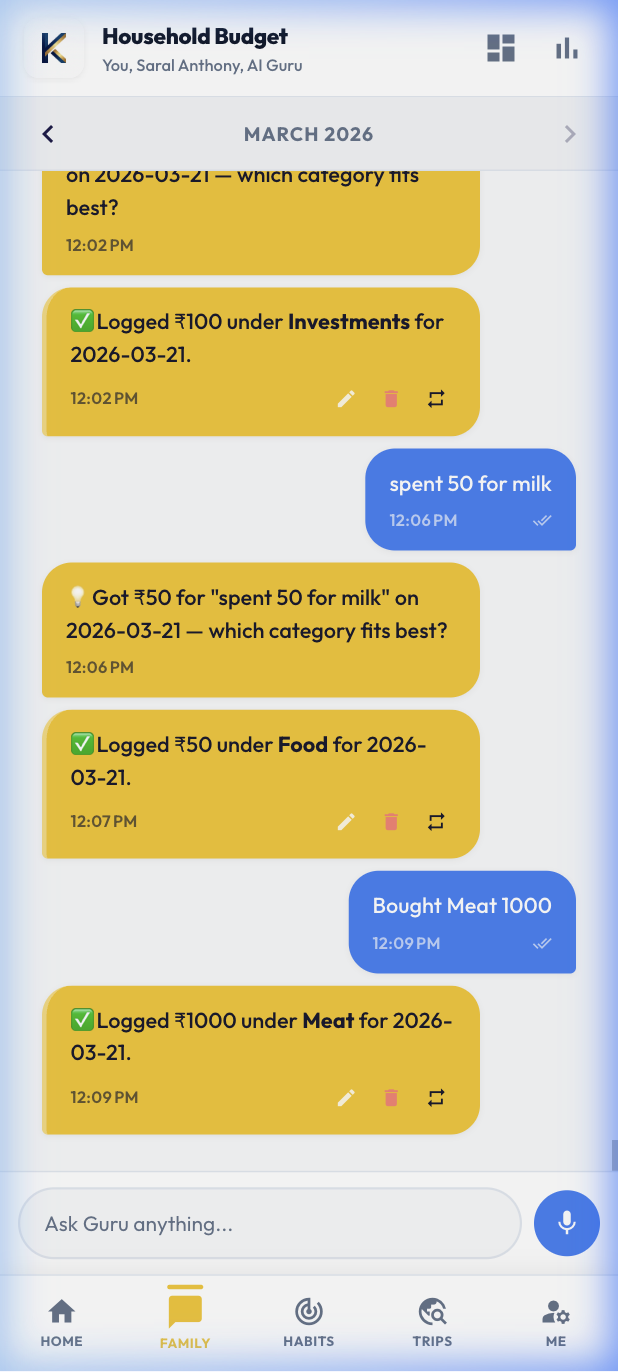
Say goodbye to complex forms. Just tell Kanithan what happened in plain English, and our AI takes care of the math, categories, and accounts instantly.
- Natural Language Parsing
- Immediate UI Updates
- Multi-Expense Correction
- Context-Aware Help
Smart Recurring Expenses
Finally, a way to track your rent, Netflix, and gym memberships without lifting a finger every month. Set it through the chat and watch it reflect in your future reports.
- Auto-Projection Logic
- Daily/Monthly/Yearly
- Predictive Budgeting
- Renewal Reminders
Receipt Scanning
Don't type, just snap. Our Cloud Vision integration extracts store names, dates, and total amounts from your paper receipts automatically.
- Instant OCR Extraction
- Photo History Storage
- Auto-Category Match
- Secure Image Hosting
The Vintage Option
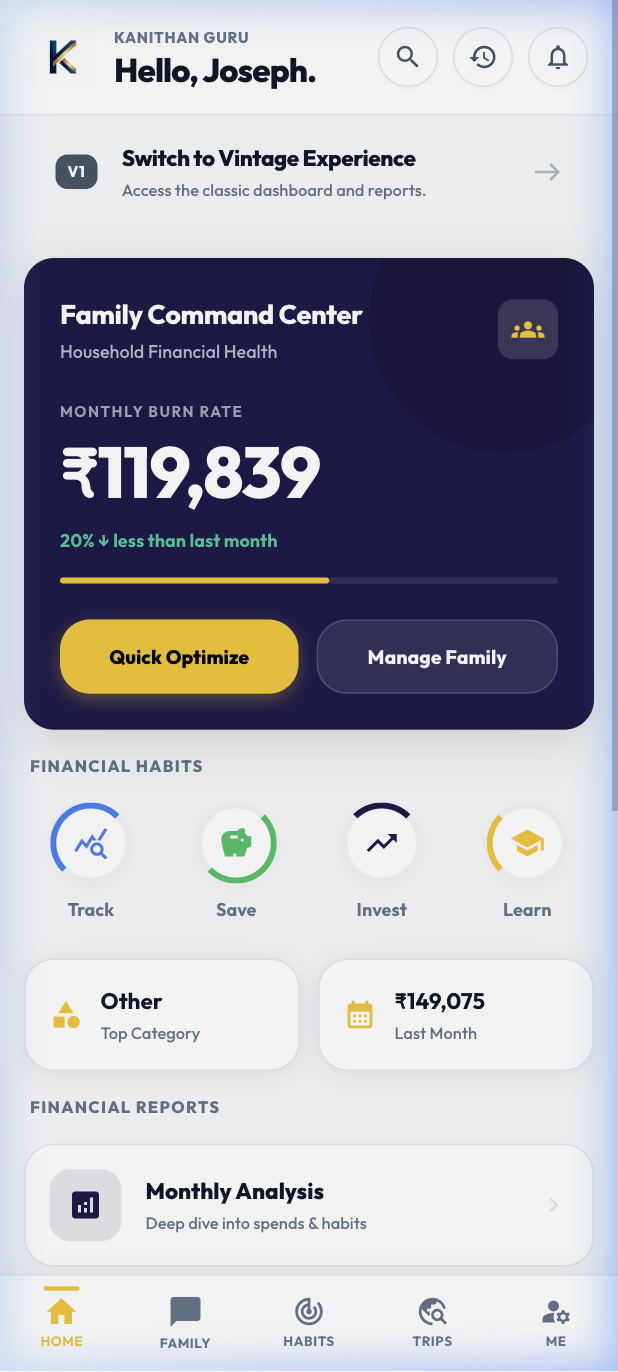
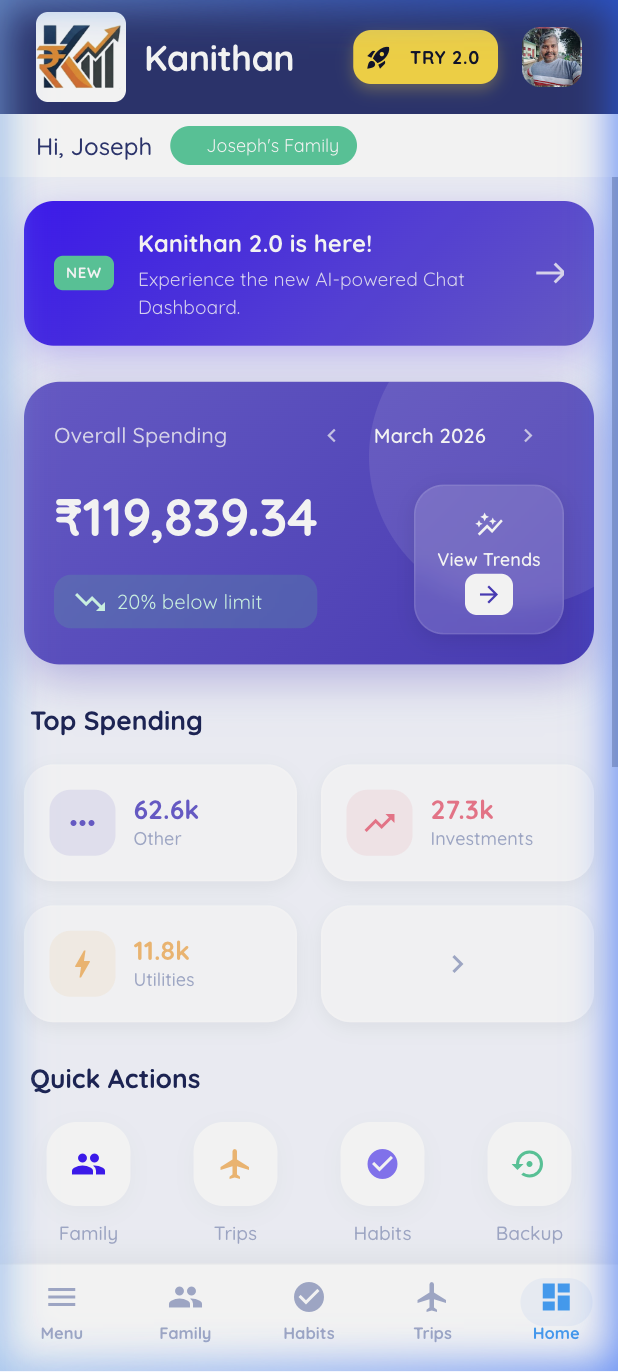
We respect our roots. Kanithan 2.0 includes a "Vintage Mode" that lets you switch back to the classic V1 Dashboard whenever you want. Your data stays perfectly in sync.
- One-Tap V1 Switch
- Unified Database
- Classic Reporting
- Seamless Navigation
Connect Your AI Assistant to Kanithan
Kanithan speaks MCP — the Model Context Protocol. There are two independent gateways, each maintained separately, serving different AI ecosystems. Both are fully live with all 10 tools.
Remote Gateway
ChatGPT · Perplexity · Claude.ai
For web-based AI platforms. No installation needed — connect via a hosted HTTPS endpoint using Streamable HTTP transport.
Open Kanithan App → Settings → API Access → Generate API Token
In your AI platform, add a new MCP server → set transport to Streamable HTTP
Paste the server URL below. Done!
MCP Server URL
https://app.kanithan.in/api/v1/mcp
ChatGPT — append token to URL
https://app.kanithan.in/api/v1/mcp
?api_key=knth_your_token
Perplexity — use Advanced → Authentication
In the connector dialog, expand Advanced, set Authentication to API Key, and paste your token into the api-key field.
Local Bridge (NPM)
Claude Desktop · Cursor · Cline
For desktop AI tools using stdio MCP. Runs a local bridge on your machine via npx. Zero installation required.
Open Kanithan App → Settings → API Access → Generate API Token
Open your agent's MCP config (Claude: claude_desktop_config.json)
Paste the config below → restart your AI agent
claude_desktop_config.json
{
  "mcpServers": {
    "kanithan": {
      "command": "npx",
      "args": ["-y", "kanithan-mcp"],
      "env": {
        "KANITHAN_API_TOKEN": "knth_your_token"
      }
    }
  }
}
All 10 MCP Tools — available on both gateways
list_habits
List configured habits
log_habit
Log a habit entry
get_habit_summary
Monthly habit stats
log_expense
Add a family expense
edit_expense
Update expense fields
delete_expense
Remove an expense
list_trips
List your trips
create_trip
Start a new trip
add_trip_expense
Add expense to a trip
get_trip_settlement
Who owes whom
Ready to experience the future?
Start mastering your finances with Kanithan 2.0 today.
Get Started Now